安装
安装 n8n。
本地使用 Ollama
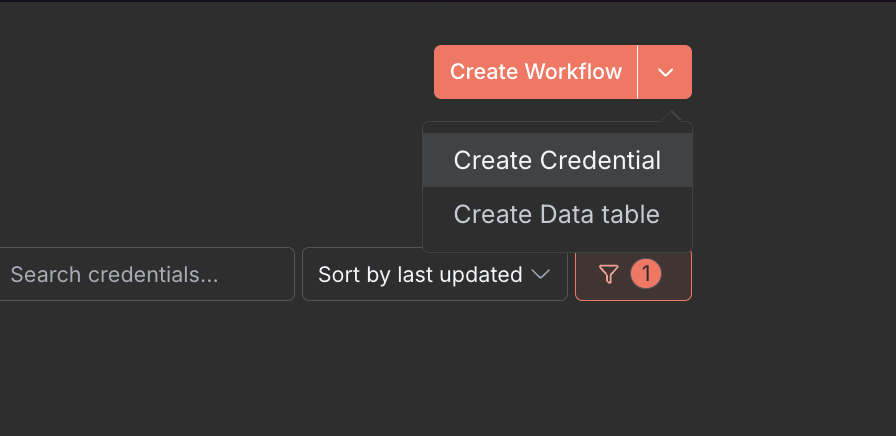
- 在右上角,点击下拉菜单并选择 Create Credential
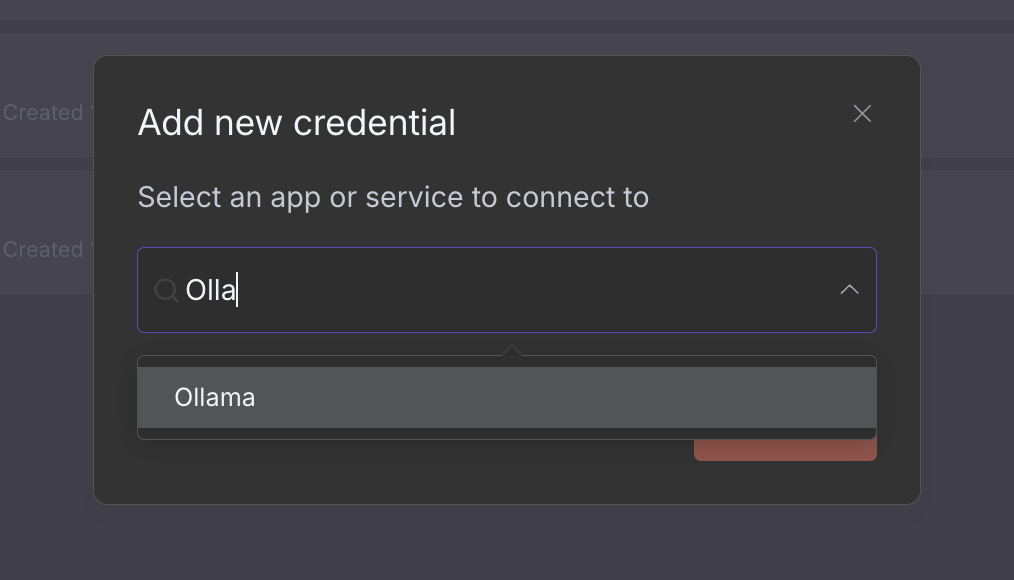
- 在 Add new credential 下选择 Ollama
注意
在不使用 Docker Desktop 的环境(例如 Linux 服务器安装)中,host.docker.internal 不会自动添加。
使用 --add-host=host.docker.internal:host-gateway 参数在 Docker 中运行 n8n
或将以下内容添加到 docker compose 文件中:
yaml
extra_hosts:
  - "host.docker.internal:host-gateway"
您应该看到 Connection tested successfully 消息。
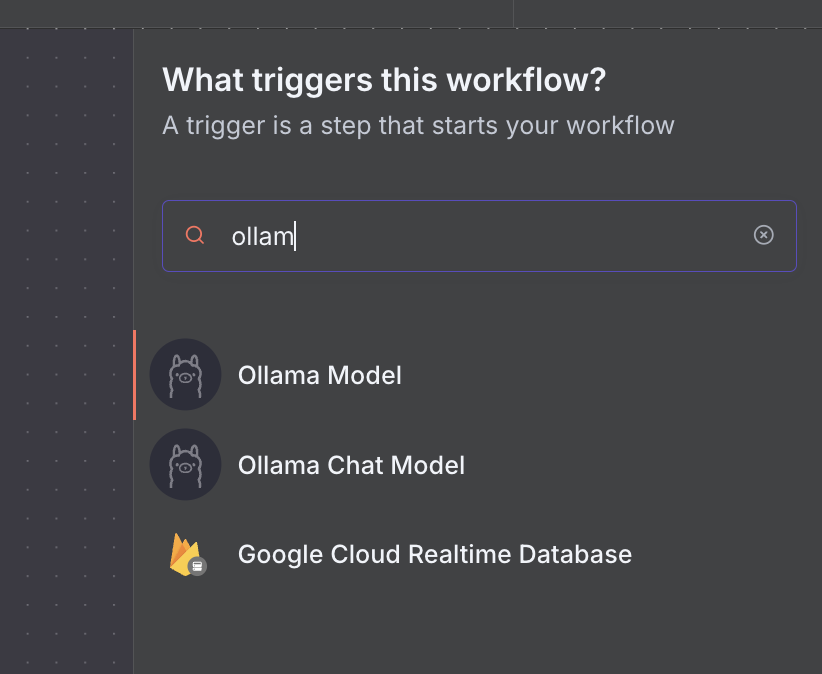
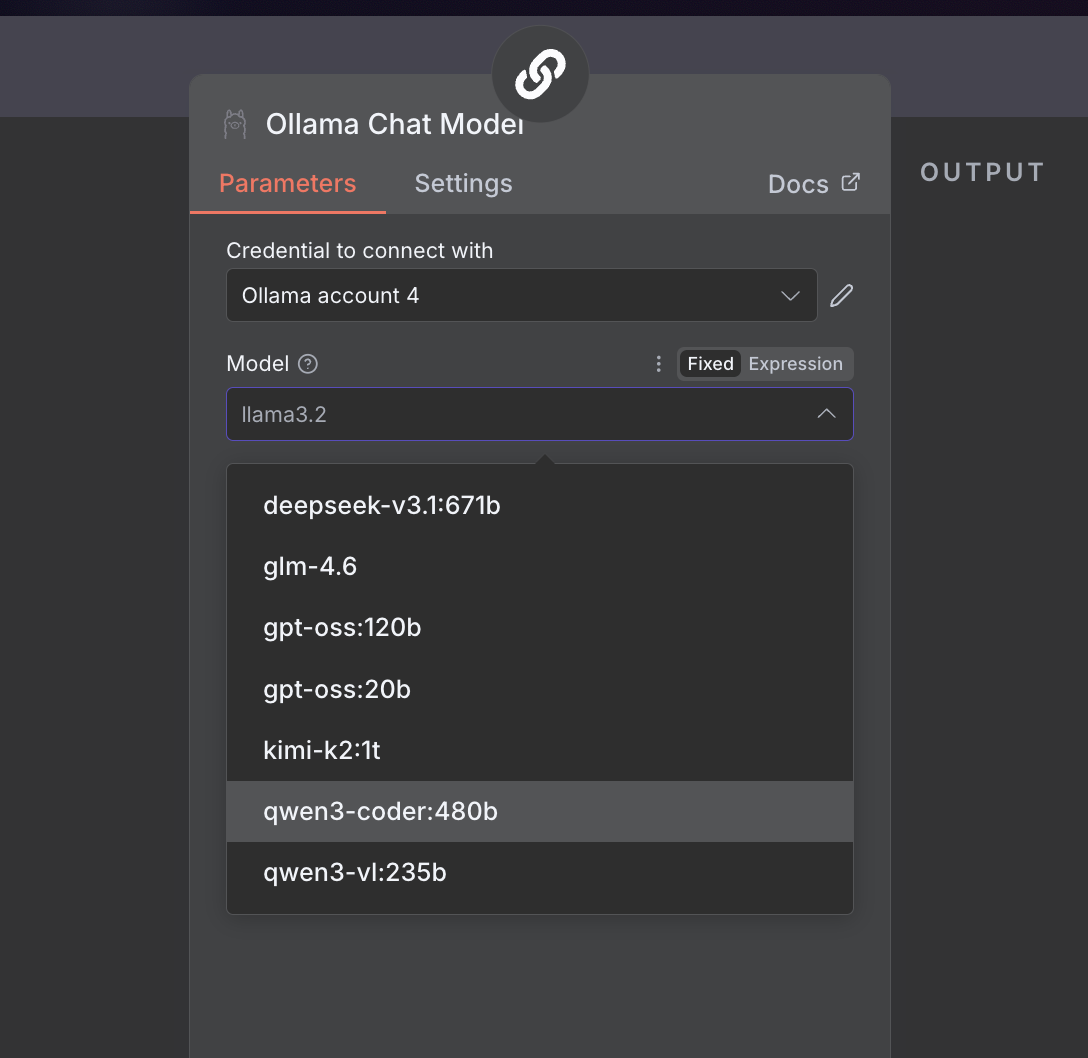
- 创建新工作流时,选择 Add a first step 并选择一个 Ollama node
连接到 ollama.com
- 在 ollama.com 上创建一个 API key。
- 在 n8n 中,点击 Create Credential 并选择 Ollama
- 将 API URL 设置为
https://ollama.com - 输入您的 API Key 并点击 Save