Note
此示例使用的是 IntelliJ;相同步骤也适用于其他 JetBrains IDE(例如 PyCharm)。
安装
安装 IntelliJ。
使用 Ollama
Note
若要使用 Ollama,您需要订阅 JetBrains AI Subscription。
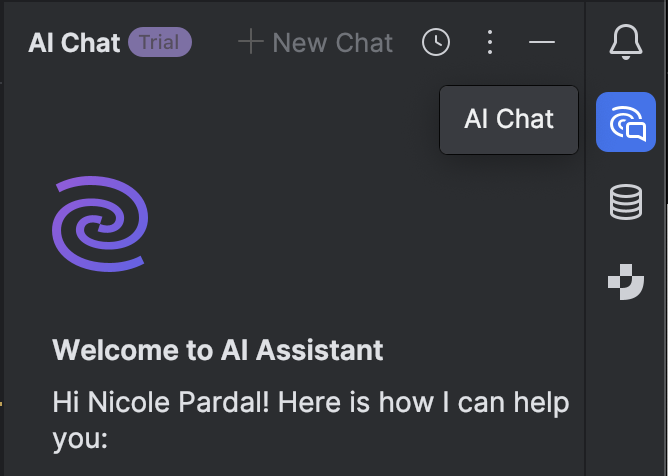
- 在 IntelliJ 中,点击右侧边栏中的 聊天图标 (chat icon)
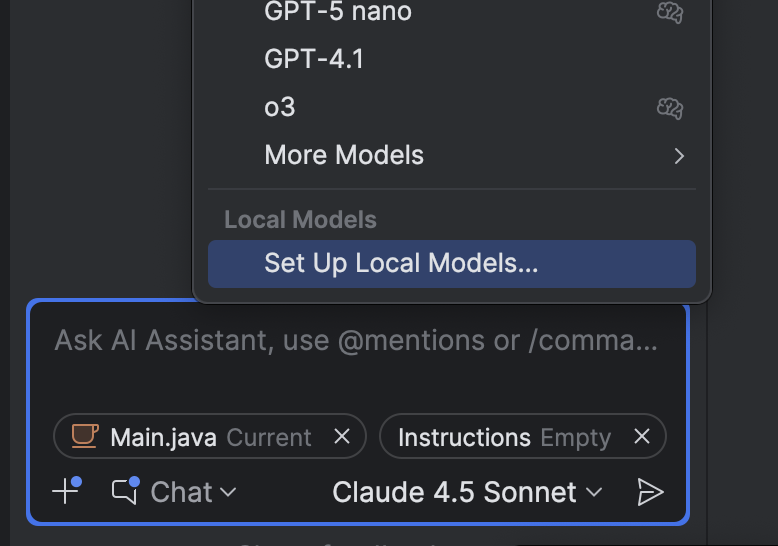
- 选择侧边栏中的 当前模型 (current model),然后点击 设置本地模型 (Set up Local Models)
- 在 第三方 AI 提供商 (Third Party AI Providers) 下,选择 Ollama
- 确认 主机 URL (Host URL) 为
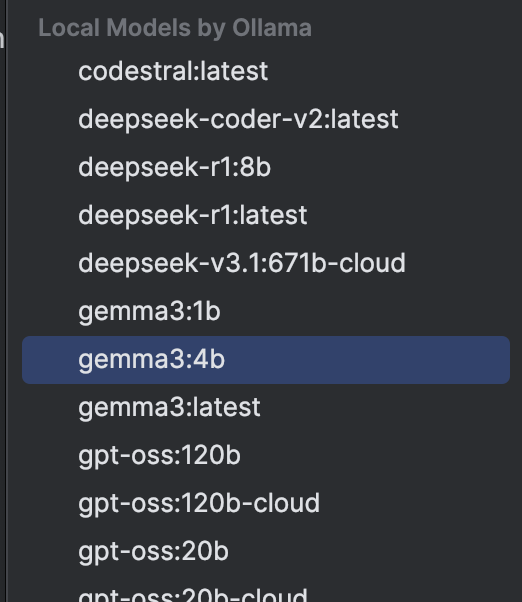
http://localhost:11434,然后点击 确定 (Ok) - 连接成功后,在 Ollama 本地模型 (Local models by Ollama) 下选择一个模型