Install
Install n8n.
Using Ollama Locally
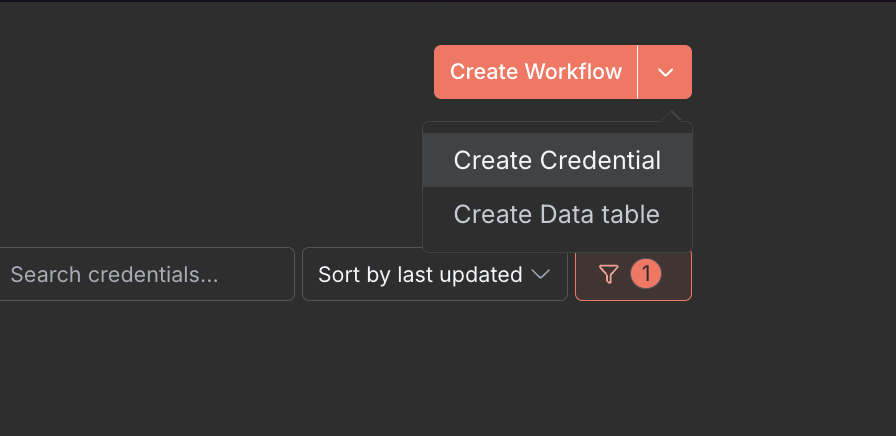
- In the top right corner, click the dropdown and select Create Credential
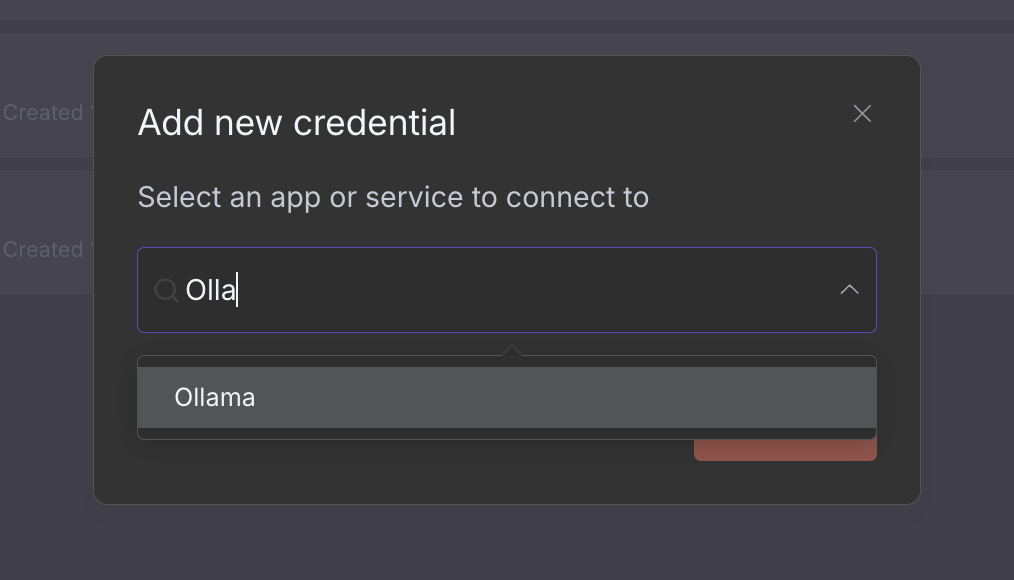
- Under Add new credential select Ollama
Note
In environments that don't use Docker Desktop (ie, Linux server installations), host.docker.internal is not automatically added.
Run n8n in docker with --add-host=host.docker.internal:host-gateway
or add the following to a docker compose file:
yaml
extra_hosts:
  - "host.docker.internal:host-gateway"
You should see a Connection tested successfully message.
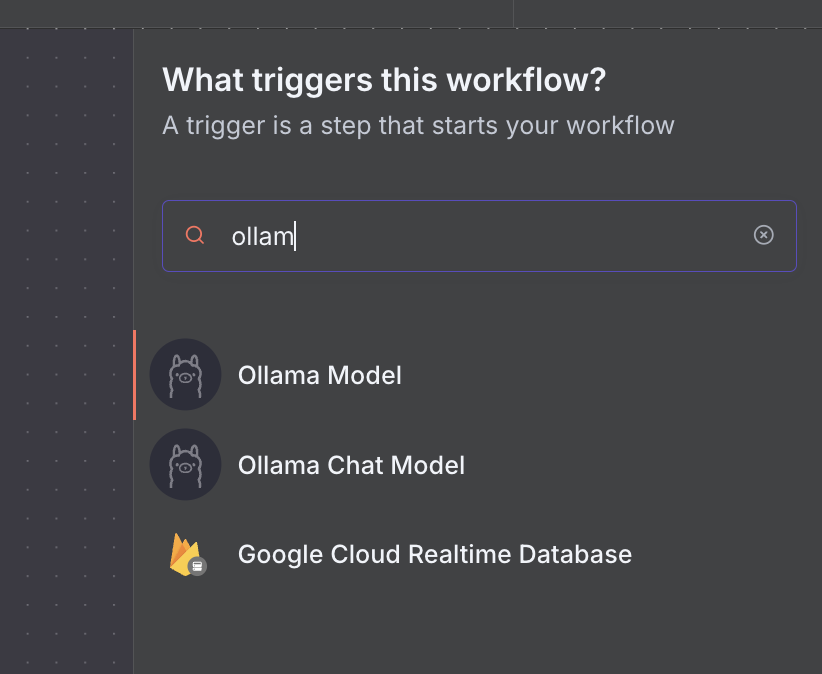
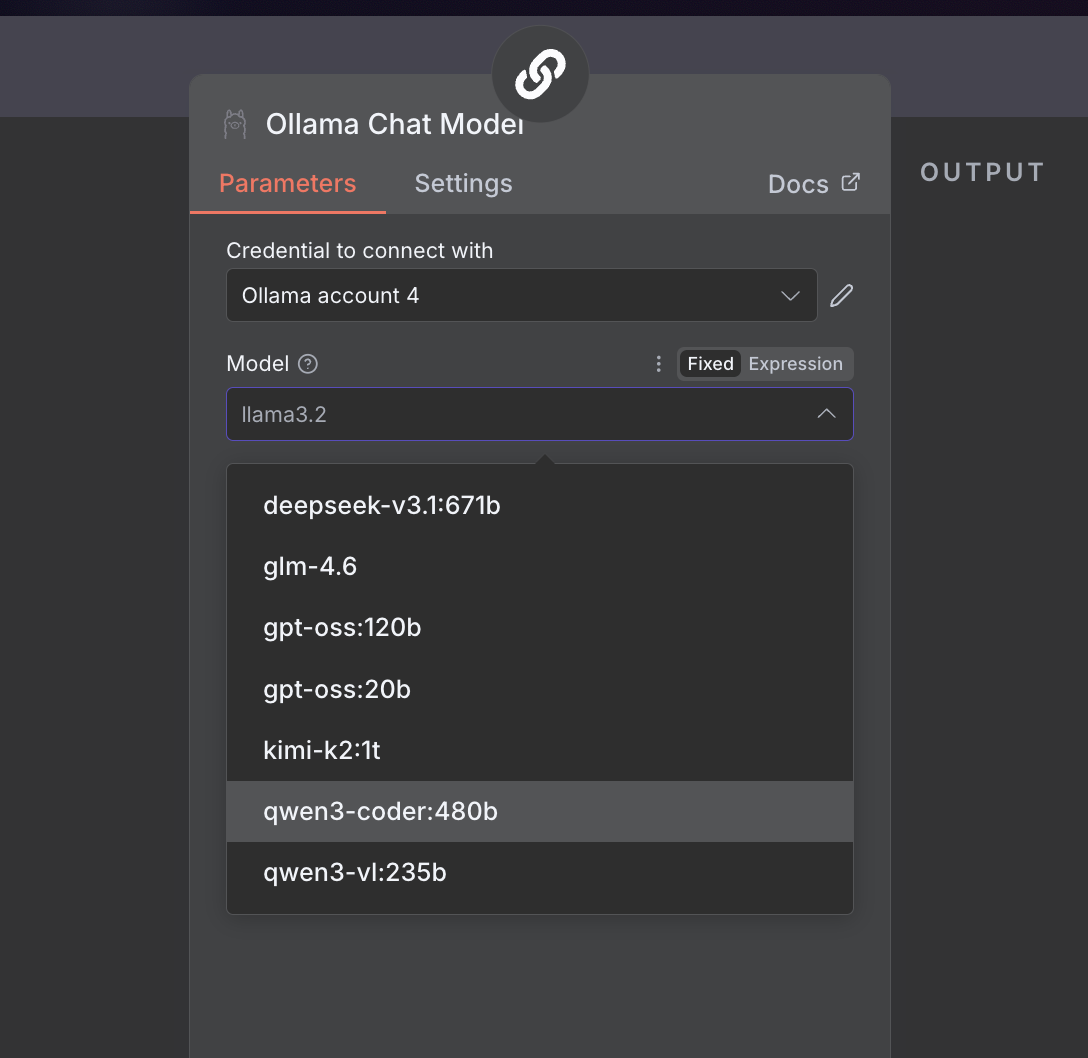
- When creating a new workflow, select Add a first step and select an Ollama node
Connecting to ollama.com
- Create an API key on ollama.com.
- In n8n, click Create Credential and select Ollama
- Set the API URL to
https://ollama.com - Enter your API Key and click Save