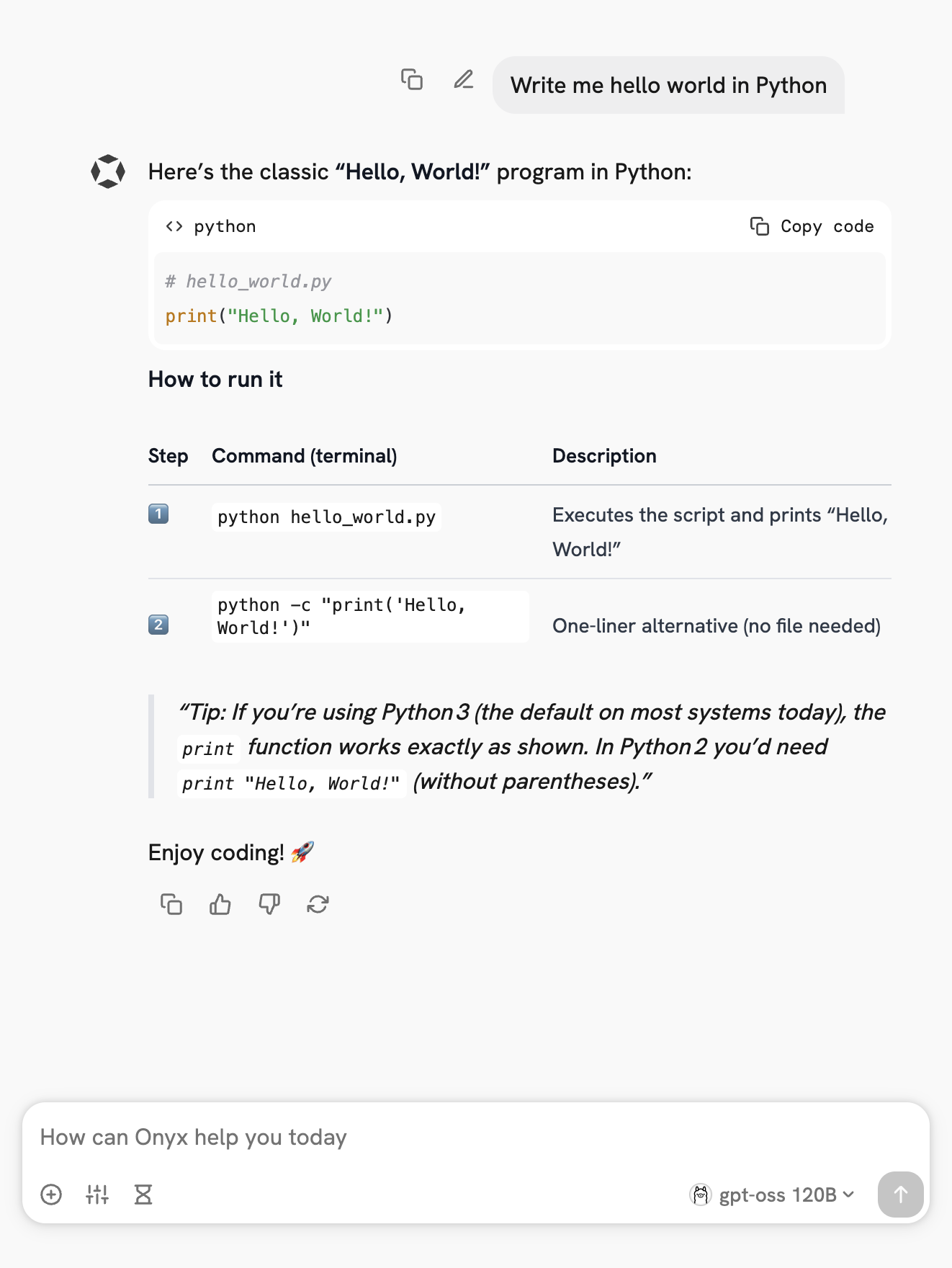
Overview
Onyx is a self-hostable Chat UI that integrates with all Ollama models. Features include:
- Creating custom Agents
- Web search
- Deep Research
- RAG over uploaded documents and connected apps
- Connectors to applications like Google Drive, Email, Slack, etc.
- MCP and OpenAPI Actions support
- Image generation
- User/Groups management, RBAC, SSO, etc.
Onyx can be deployed for single users or large organizations.
Install Onyx
Deploy Onyx with the quickstart guide.
INFO
Resourcing/scaling docs here.
Usage with Ollama
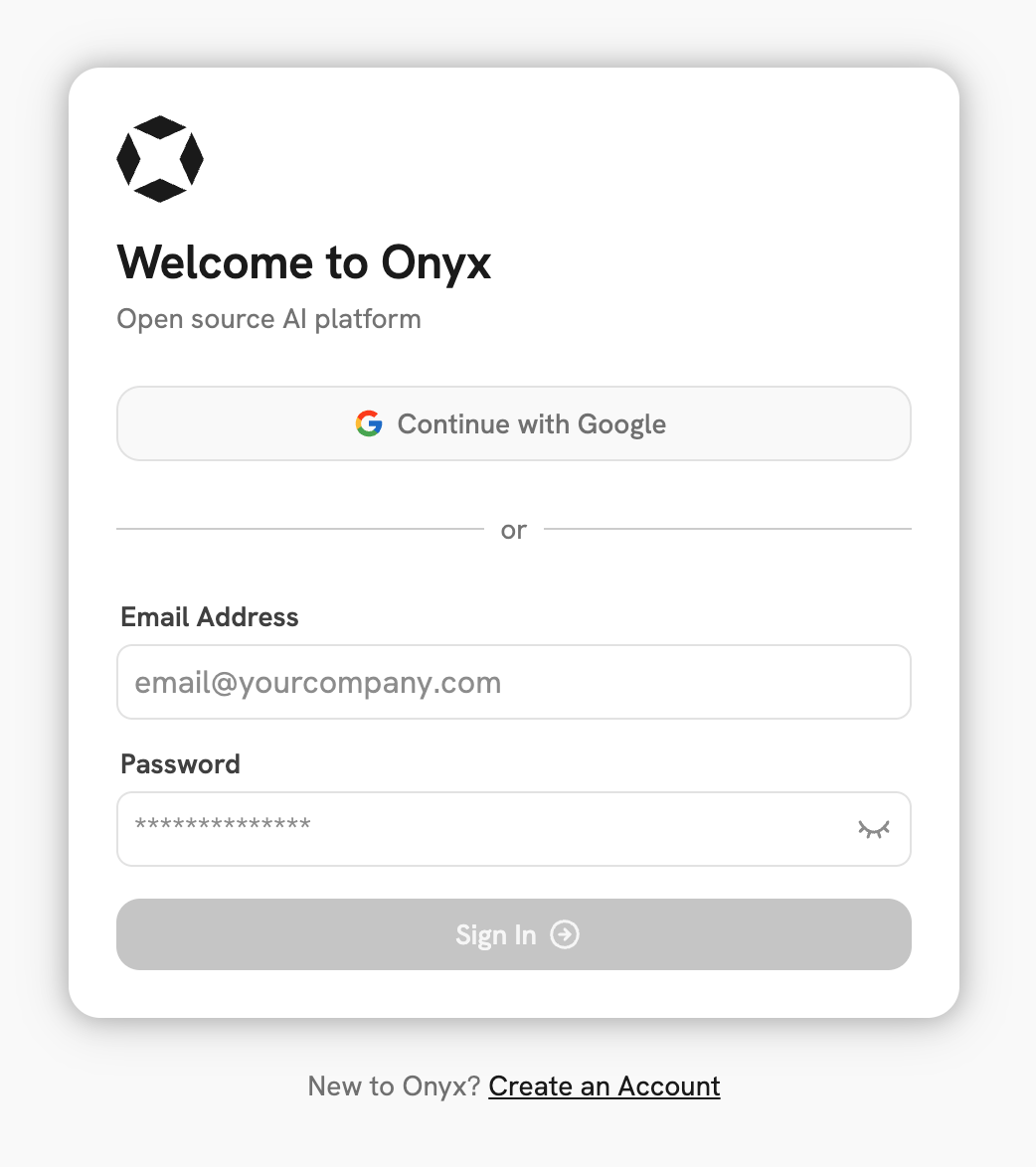
- Login to your Onyx deployment (create an account first).
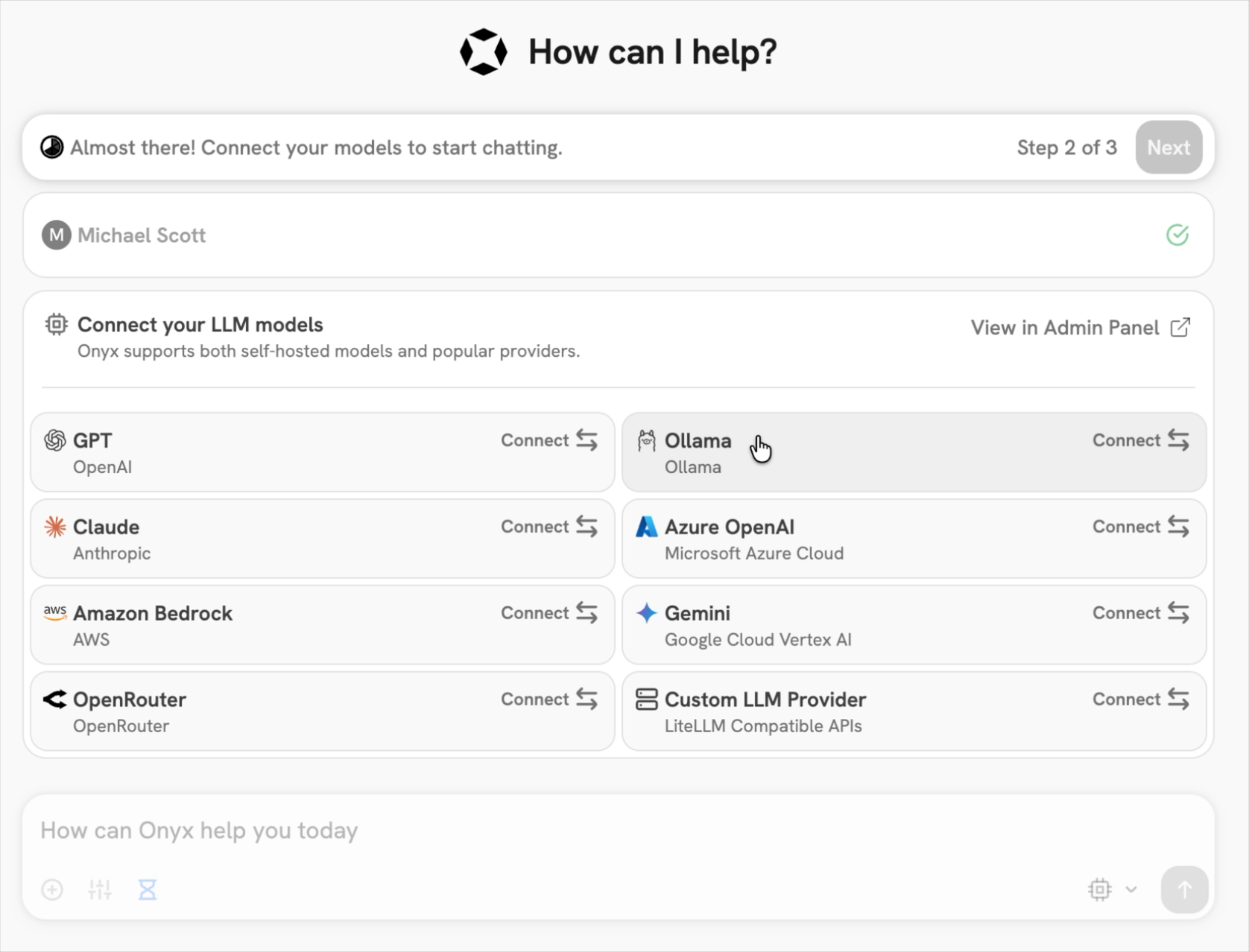
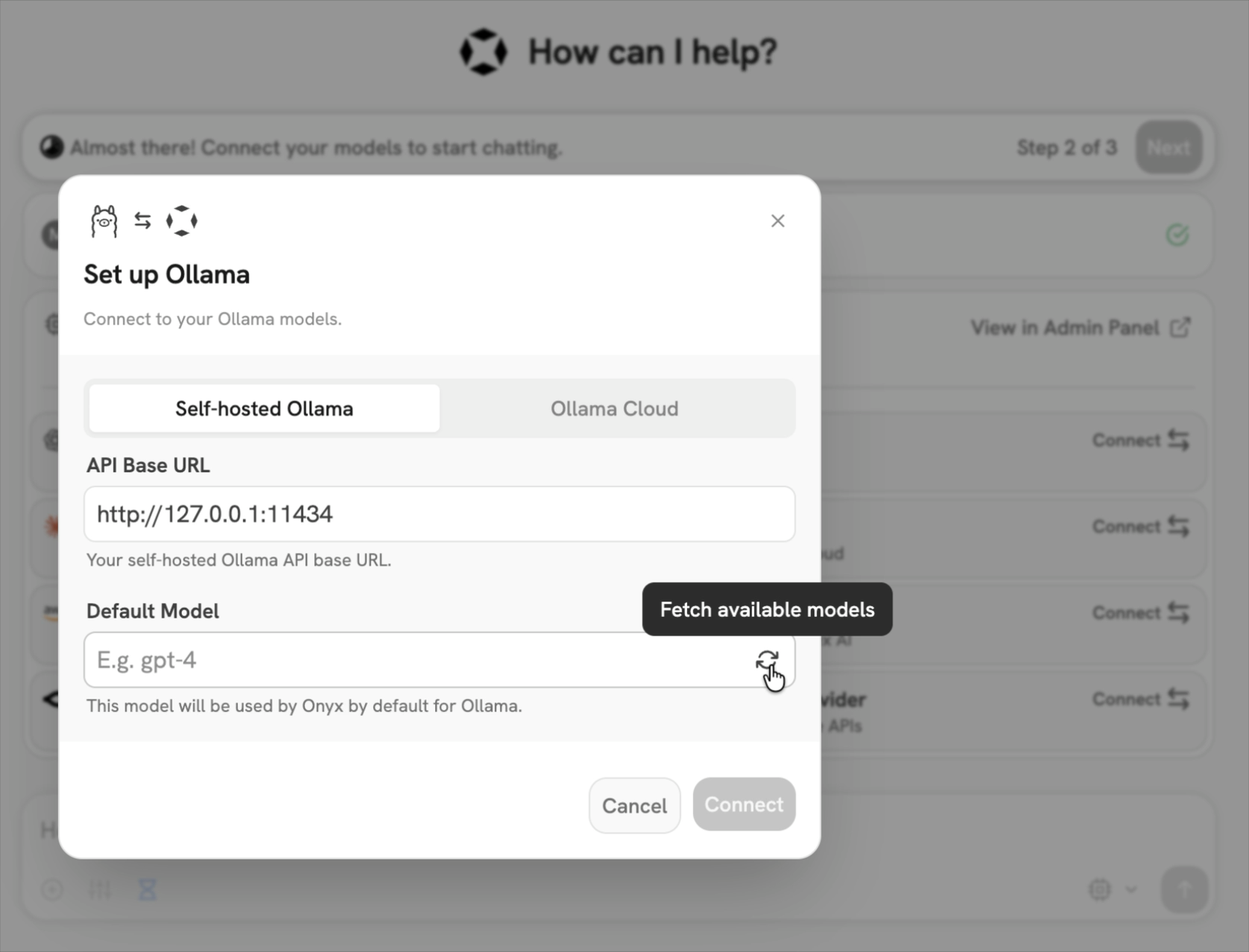
You can also easily connect up Onyx Cloud with the Ollama Cloud tab of the setup.
Send your first query