Goose Desktop
Install Goose Desktop.
Usage with Ollama
- In Goose, open Settings → Configure Provider.
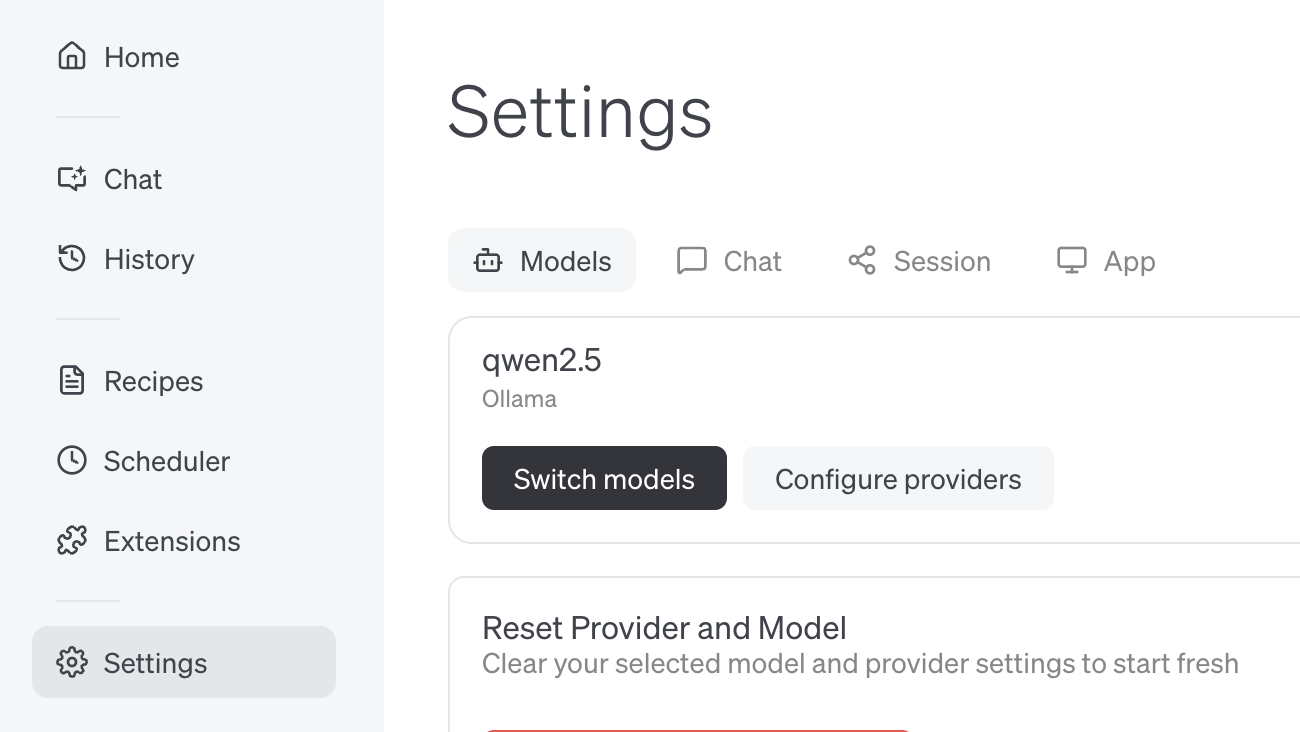
Connecting to ollama.com
- Create an API key on ollama.com and save it in your
.env - In Goose, set API Host to
https://ollama.com
Goose CLI
Install Goose CLI
Usage with Ollama
- Run
goose configure - Select Configure Providers and select Ollama
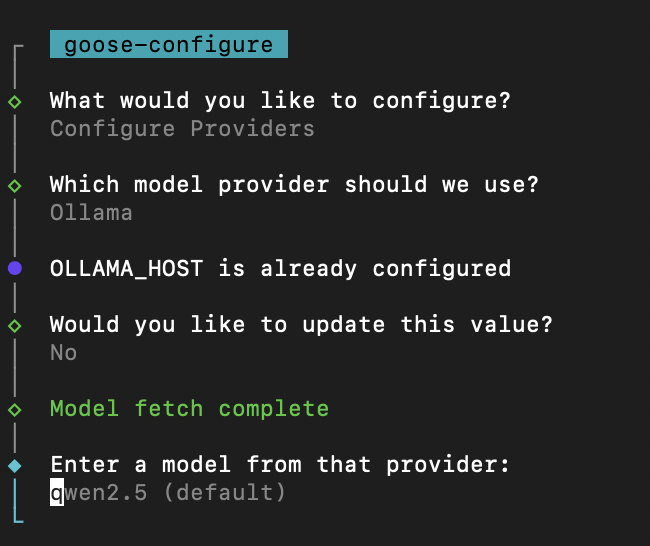
Connecting to ollama.com
- Create an API key on ollama.com and save it in your
.env - Run
goose configure - Select Configure Providers and select Ollama
- Update OLLAMA_HOST to
https://ollama.com