Goose 桌面版
安裝 Goose 桌面版。
搭配 Ollama 使用
- 開啟 Goose,進入 設定 → 設定供應商。
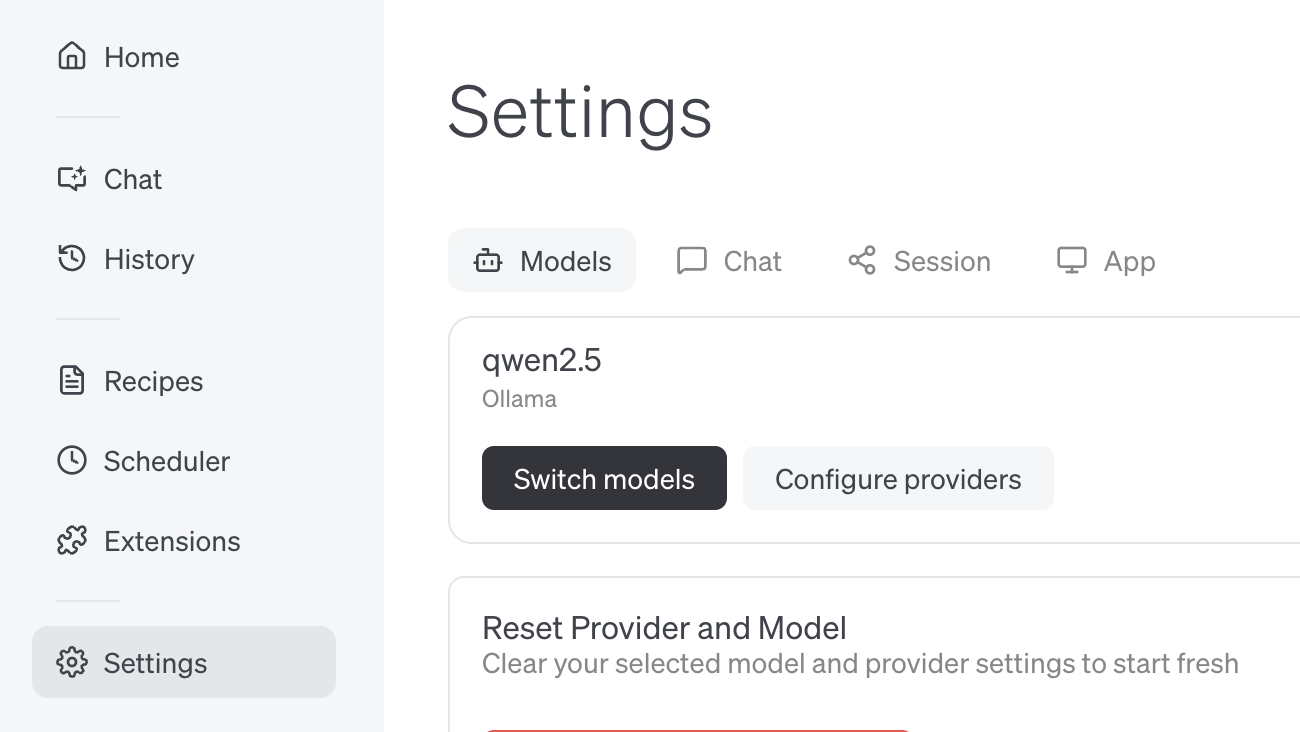
連線至 ollama.com
- 在 ollama.com 上建立 API 金鑰 並儲存至你的
.env - 在 Goose 中將 API 主機設定為
https://ollama.com
Goose 命令列介面
安裝 Goose 命令列工具
搭配 Ollama 使用
- 執行
goose configure - 選擇 設定供應商 並選擇 Ollama
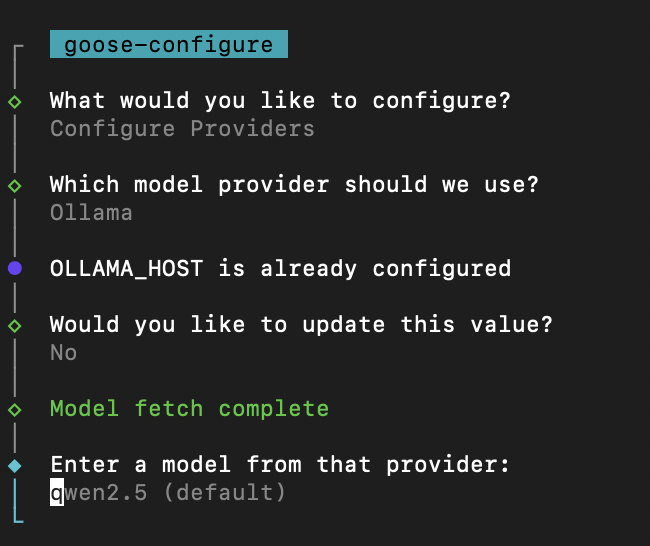
連線至 ollama.com
- 在 ollama.com 上建立 API 金鑰 並儲存至你的
.env - 執行
goose configure - 選擇 設定供應商 並選擇 Ollama
- 將 OLLAMA_HOST 更新為
https://ollama.com