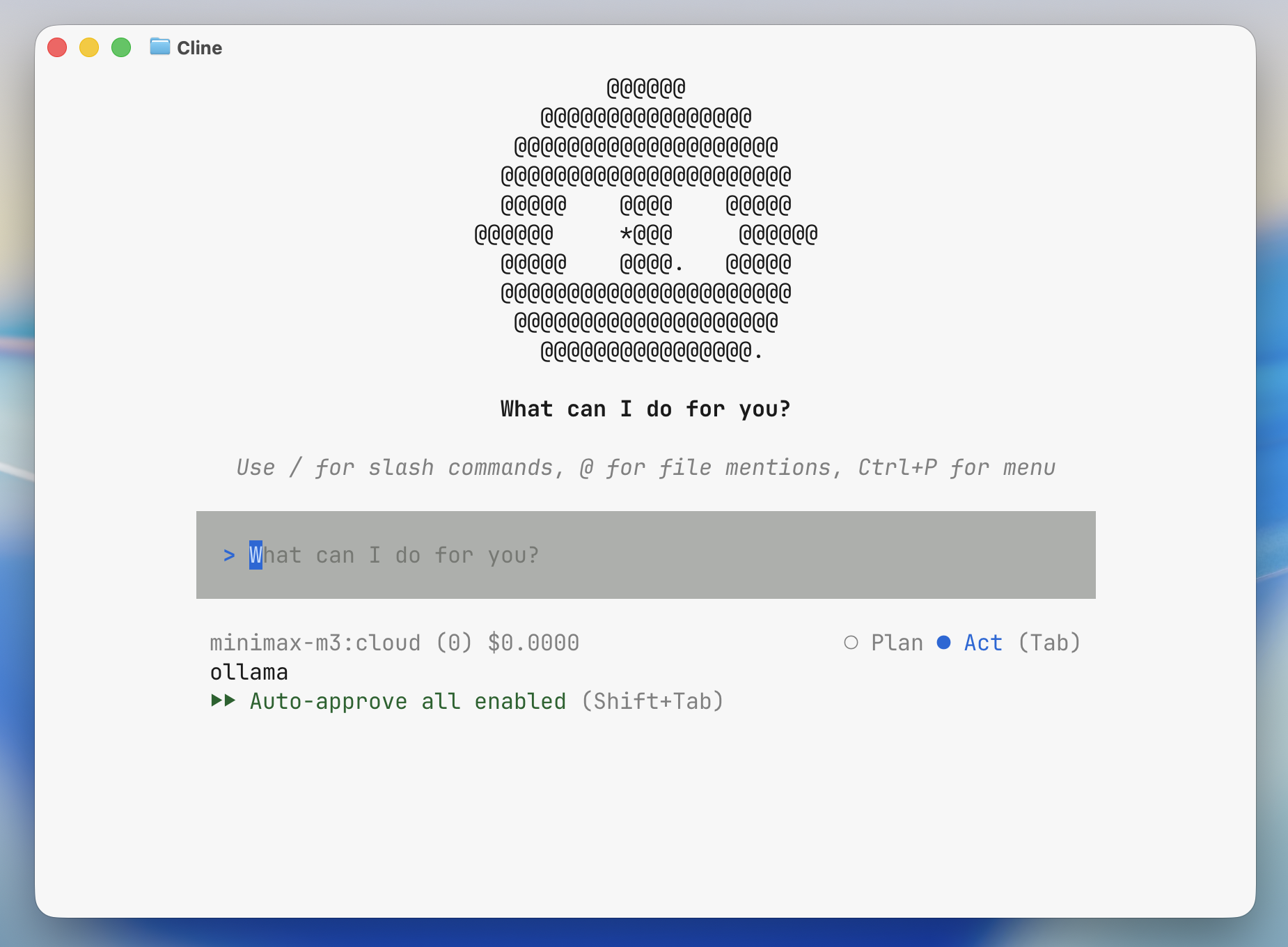
Cline CLI is an autonomous coding agent for interactive terminal sessions.
Install
Install the Cline CLI. For the IDE extension, see Cline.
bash
npm install -g clineNote
If Cline CLI is not installed and npm is available, ollama launch cline will prompt to install cline@latest.
Usage with Ollama
Quick setup
bash
ollama launch clineWhen launched through ollama launch cline, Ollama sets Cline's provider to Ollama, points it at the local Ollama endpoint, and selects the model you choose.
To configure without launching:
shell
ollama launch cline --configRun directly with a model
shell
ollama launch cline --model qwen3.5To use a cloud model:
shell
ollama launch cline --model kimi-k2.6:cloudPass a prompt to Cline
Arguments after -- are passed directly to Cline:
shell
ollama launch cline -- "summarize this repository"To open Cline's Kanban board:
shell
ollama launch cline -- kanban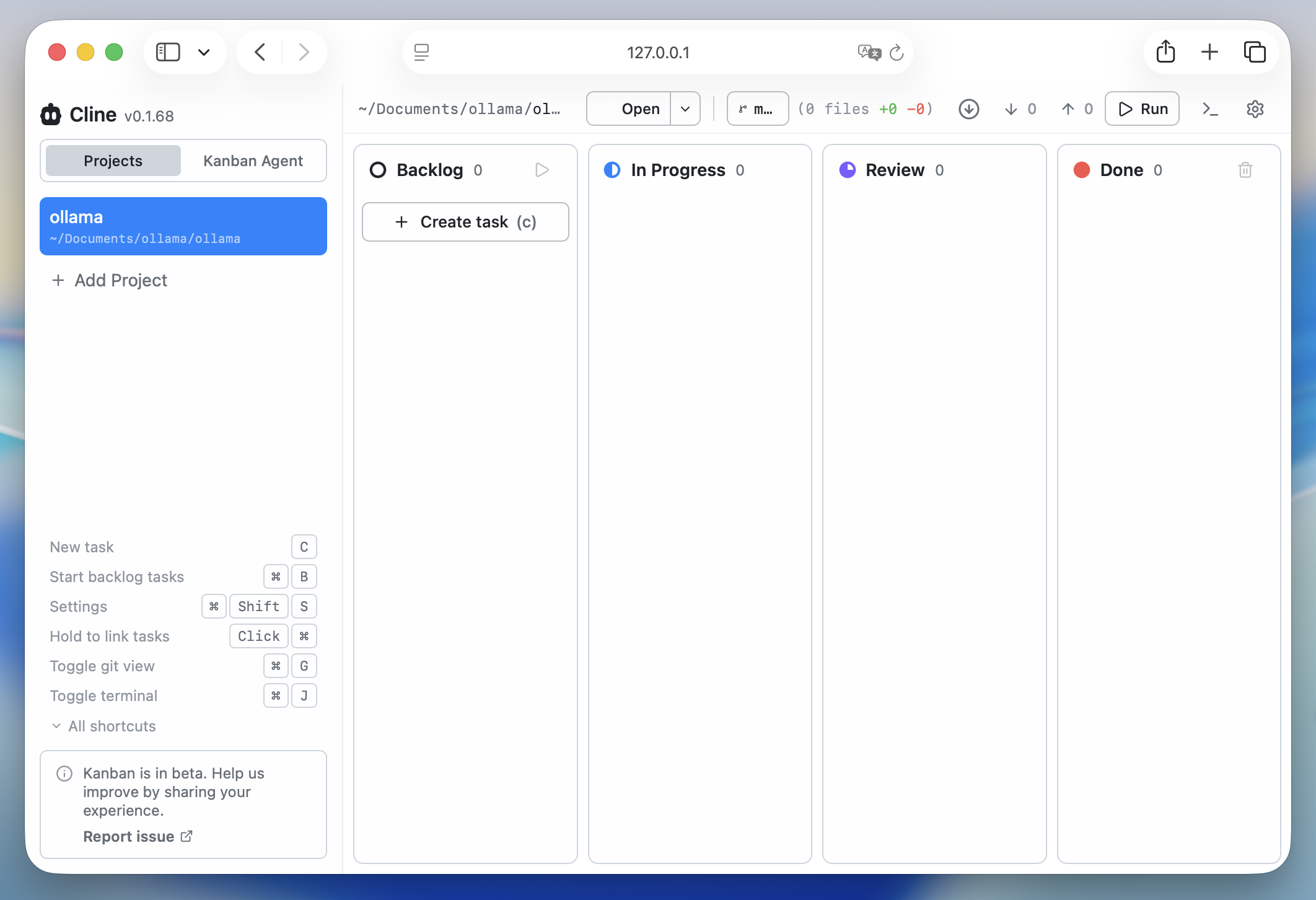
Manual setup
To configure Cline CLI manually, first make sure Ollama is running and the model you want to use is available:
shell
ollama pull qwen3.5Then run Cline's interactive auth flow:
shell
cline authSelect Ollama as the provider, use http://localhost:11434 as the base URL if prompted, and choose a model such as qwen3.5 or kimi-k2.6:cloud.
To check the current Cline configuration:
shell
cline configTo start an interactive session:
shell
cline