Install
Install XCode
Usage with Ollama
Note
Ensure Apple Intelligence is setup and the latest XCode version is v26.0
- Click XCode in top left corner > Settings
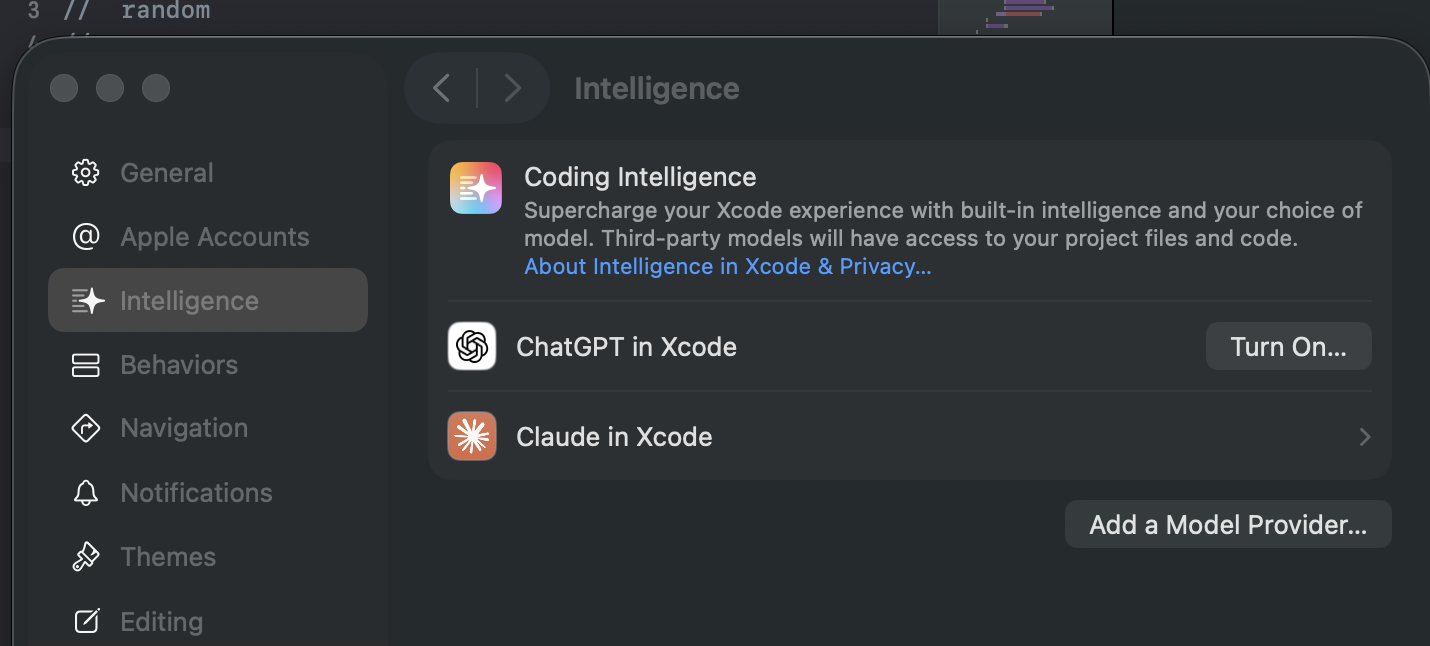
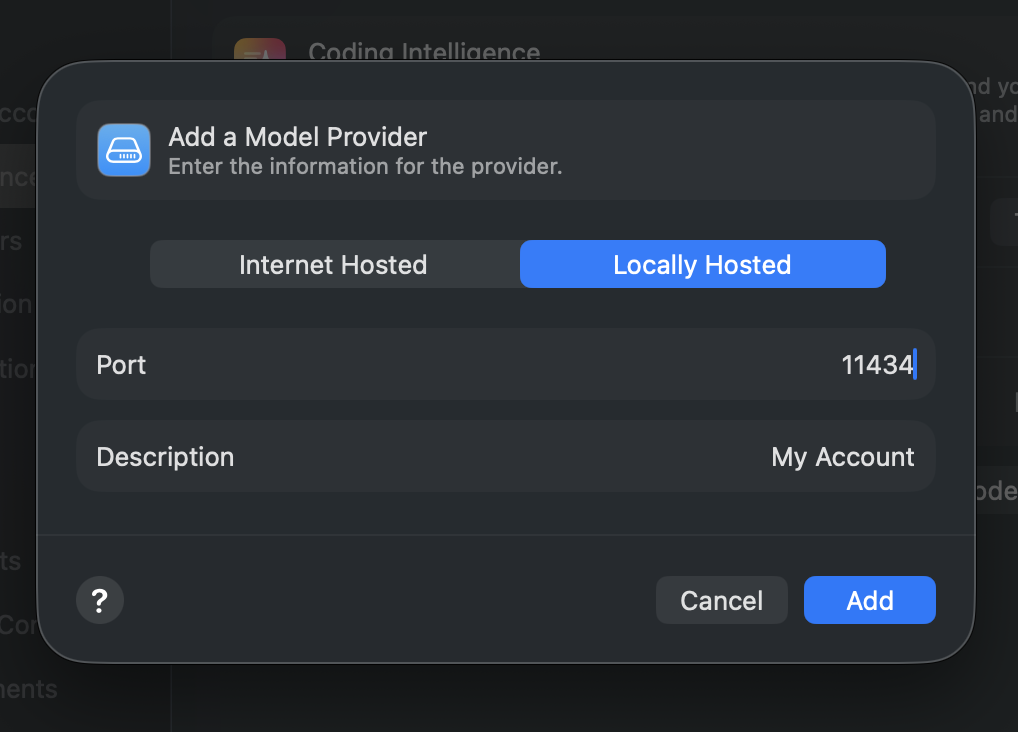
- Select Locally Hosted, enter port 11434 and click Add
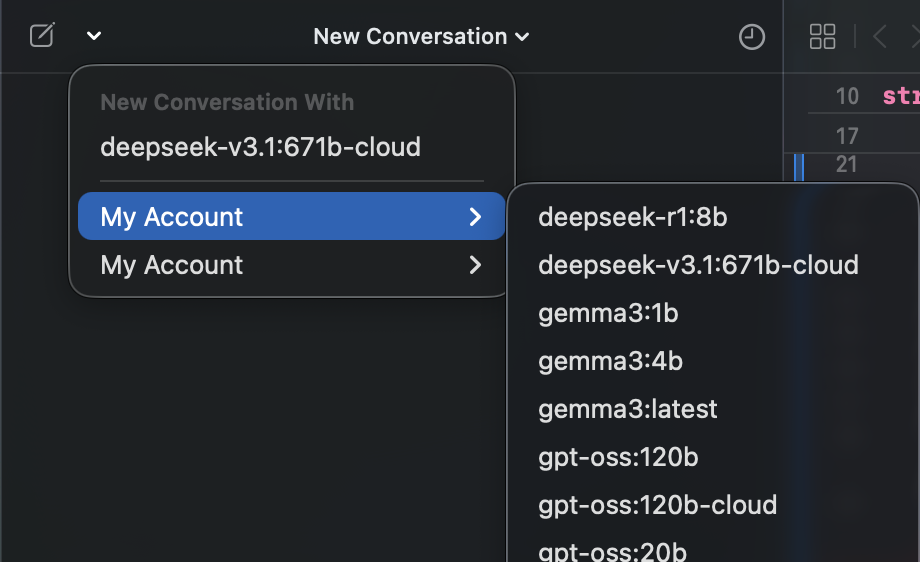
- Select the star icon on the top left corner and click the dropdown
Connecting to ollama.com directly
- Create an API key from ollama.com
- Select Internet Hosted and enter URL as
https://ollama.com - Enter your Ollama API Key and click Add