Install
Install Zed.
Usage with Ollama
- In Zed, click the star icon in the bottom-right corner, then select Configure.
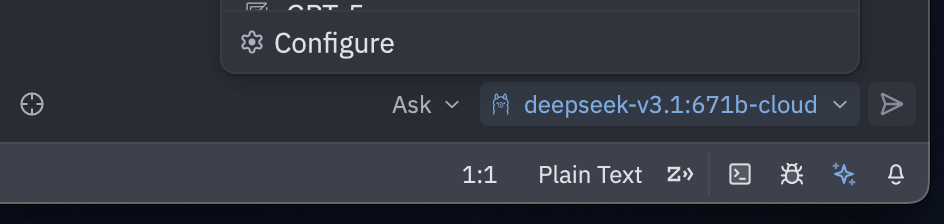
- Under LLM Providers, choose Ollama
- Confirm the Host URL is
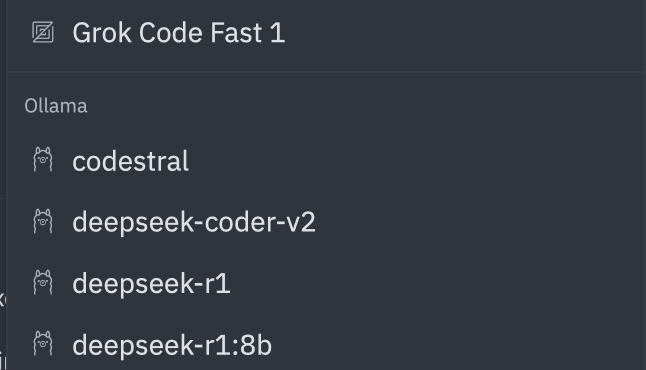
http://localhost:11434, then click Connect - Once connected, select a model under Ollama
Connecting to ollama.com
- Create an API key on ollama.com
- In Zed, open the star icon → Configure
- Under LLM Providers, select Ollama
- Set the API URL to
https://ollama.com